





Photoshop Image Masking Service

Are you struggling with removing backgrounds from complex images? Our Photoshop image masking service is the solution you’re looking for! With a decade of experience in image post-production and serving thousands of clients worldwide, we are the best image masking company in the industry. Whether the image has objects with intricate details or fuzzy or soft edges, our expert image editors can precisely remove the background while keeping the subject intact.

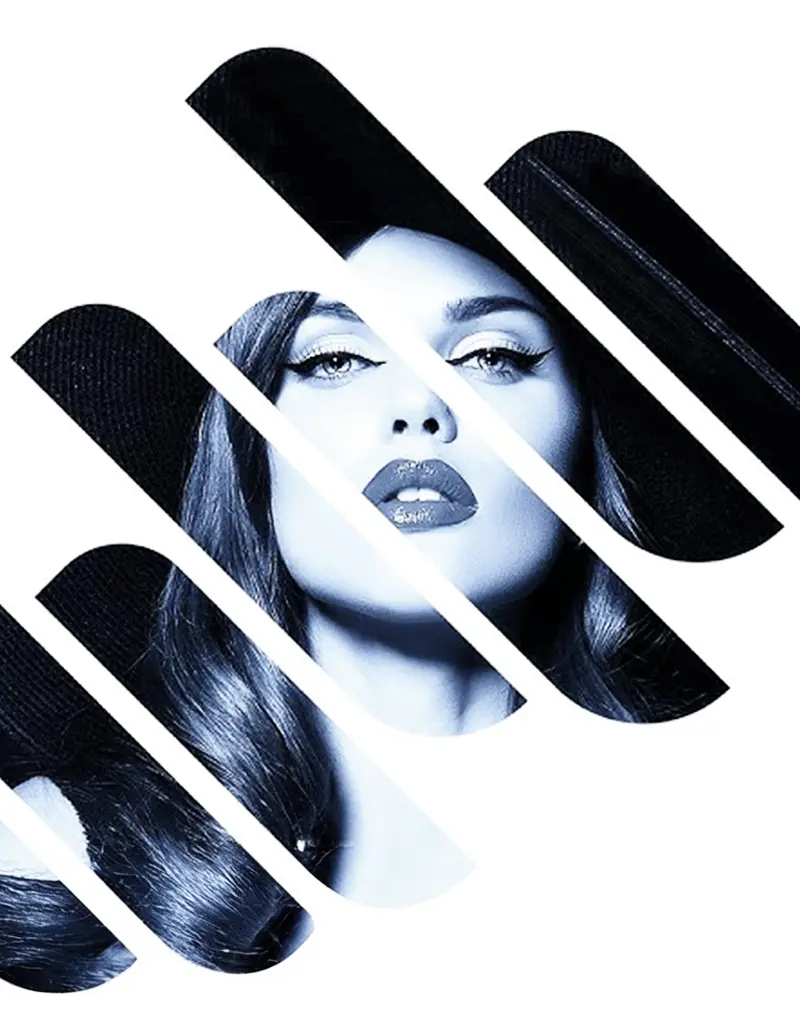
Banner for Tech Cloud Ltd's Photoshop image masking services with a masked image

Making waves with our clients

We are making waves with our clients through shared successes and noteworthy accomplishments.

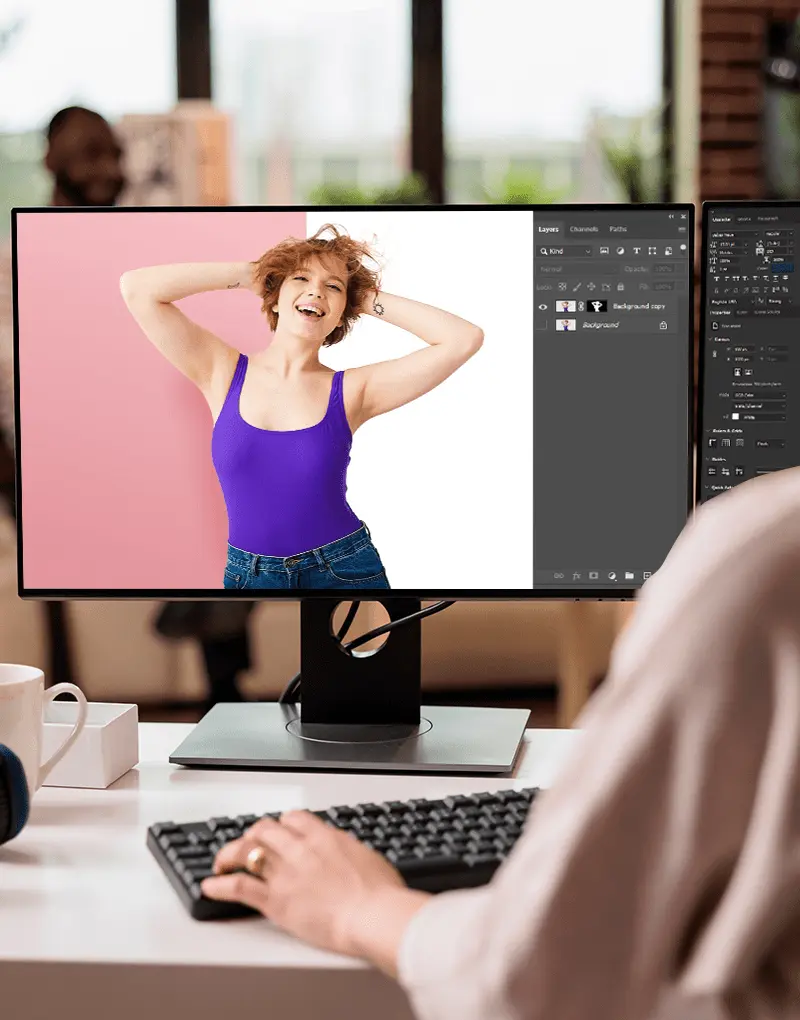
A girl working on a desktop in Adobe Photoshop, providing photoshop image masking services at Tech Cloud Ltd

Precise Photoshop image masking service for flawless professional edits

Removing intricate backgrounds and elements like hair, fur, wool, or complex borders is a daunting task, but our service empowers you to conquer this challenge with ease. Unlike traditional clipping path services that excel with simple and straight edges, our image masking service creates a precise mask, allowing you to reveal or conceal specific areas of your image with exceptional precision. 

No matter what intricate hair strands, delicate fabrics, or intricate borders you’re working with, our service ensures that the subject you want to keep remains untouched while the unwanted elements fade into oblivion. 

Our image masking service is effective for:

  • Product photos: Isolating products with intricate details like jewelry, electronics, or apparel against a clean background for e-commerce.
  • Portraits: Removing busy or distracting backgrounds behind subjects with hair, fur, wool, or other complex elements.
  • Graphics and illustrations: Extracting graphics, icons, or illustrations with transparent or fuzzy edges for use in design projects.

Advanced techniques we use to deliver exceptional image masking services

Forget about images with unprofessional leftovers from the background. With advanced image masking techniques, our expert editors will ensure your image looks pristine without any jagged edges or unwanted distractions.

We use the following image masking techniques to ensure flawless output with every edit:

  • Layer masking: We use this technique to control the opacity of specific areas of an image.
  • Channel masking: In this approach, we use color channels of an image to create masks.
  • Refine Edge masking: Photoshop’s Refine Edge tool allows us to fine-tune the edges of our images for a more natural look.
  • Clipping masking: This type of masking helps in hiding certain parts of an image based on the shape of another object.
  • Transparency masking: Although this technique is similar to alpha channel masking, we use it for images with a variable rate of transparency.
  • Collage masking: We use it to combine multiple images to create unique collages.
Working on the desktop in Adobe Photoshop, providing image masking services at Tech Cloud Ltd
A girl’s portrait edited with Photoshop image masking services at Tech Cloud Ltd

Reliable Photoshop image masking service trusted by leading brands

We’ve had the absolute delight of serving thousands upon thousands of customers and editing millions of images for renowned brands like Hexagon, Lululemon, Akris, Lindex, and Pepe Jeans. This incredible journey has earned us the reputation of being the best Photoshop image masking service provider for eCommerce businesses, photographers, studios, advertising agencies, and more!

From fashion and beauty to electronics and home decor, we’ve consistently surpassed the expectations of our clients, helping them to showcase their products in the most captivating and professional manner. Our team of skilled editors work tirelessly to ensure that every image masking project we undertake is executed with the utmost precision and care.

Moreover, we offer affordable pricing, bulk order discounts, fast turnaround times, and round-the-clock support to ensure you are fully satisfied with our work. Contact us today to get a free trial and experience the power of our quality image masking service.

Interactive works

Portfolio

Portfolio image BG - Tech cloud ltd.

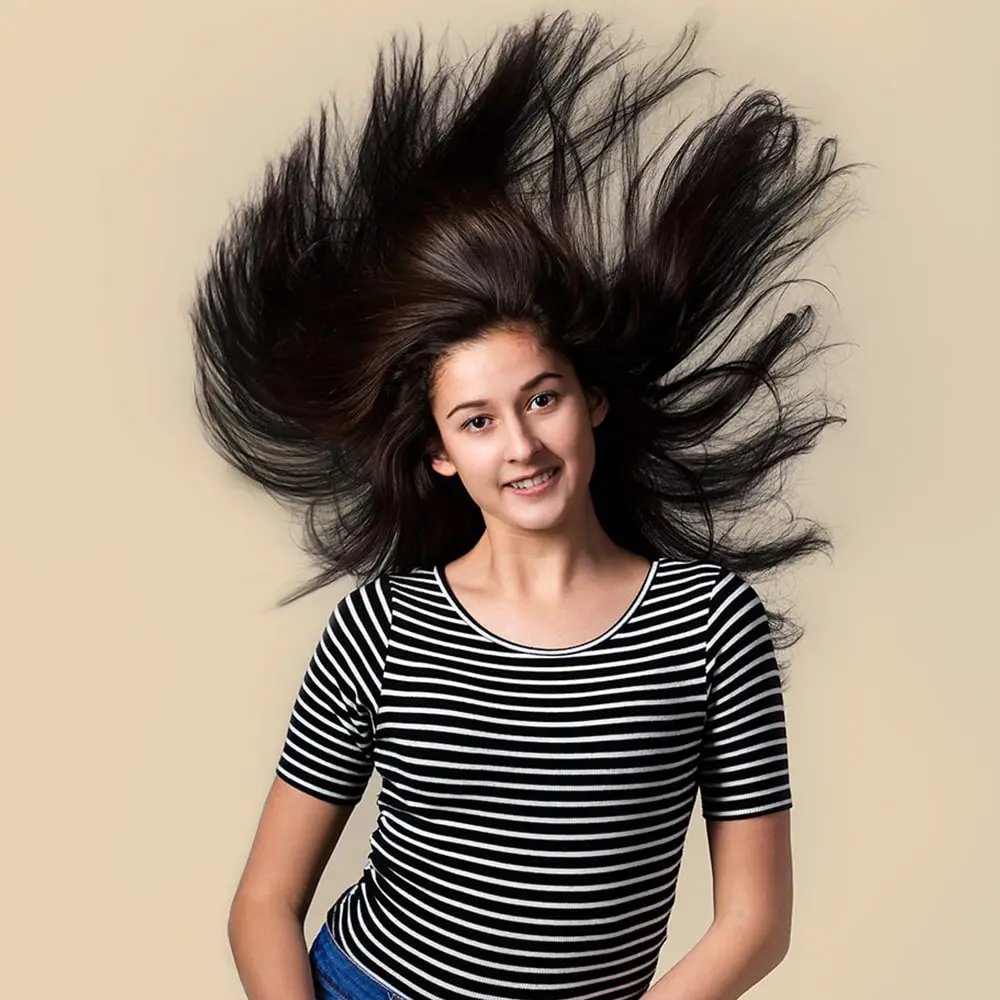
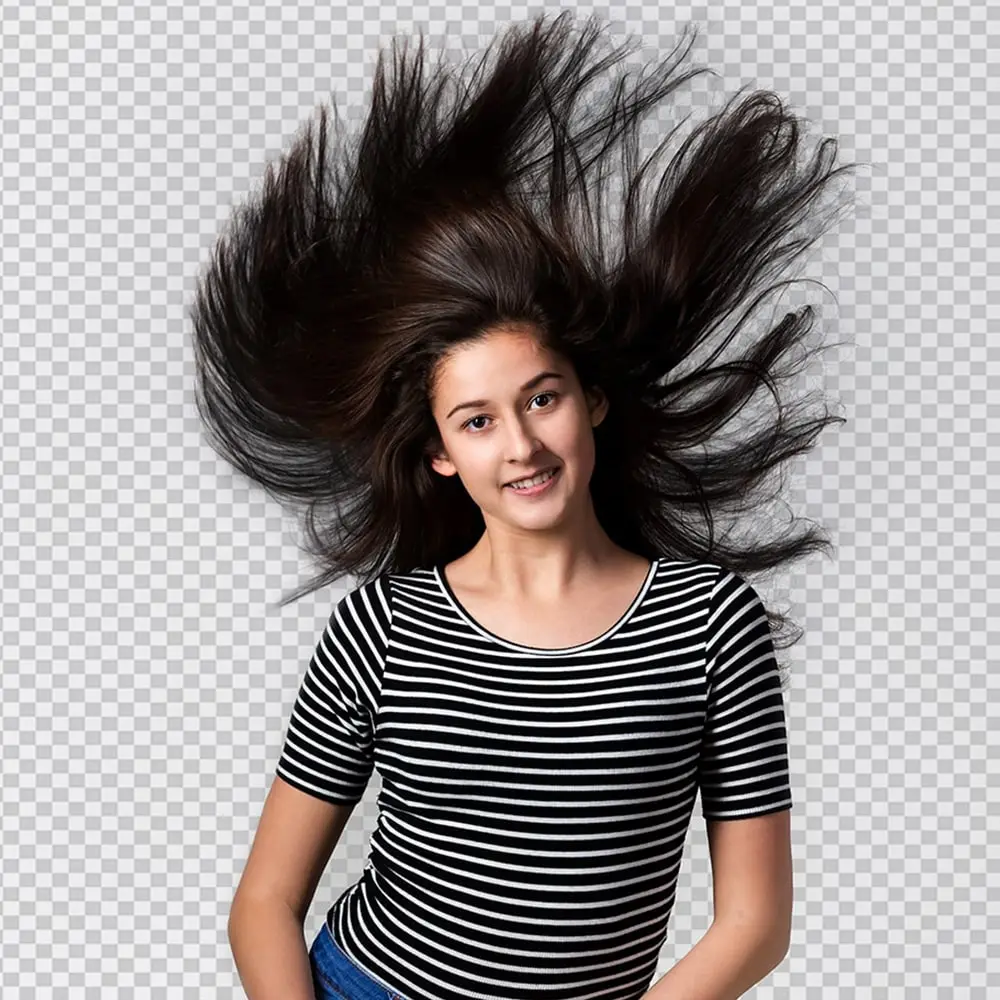
Complex Hair Masking of Flowing Hair

A smiling girl with flowing hair, showcasing the precision and artistry of our complex hair masking techniques.
Portfolio image BG - Tech cloud ltd.

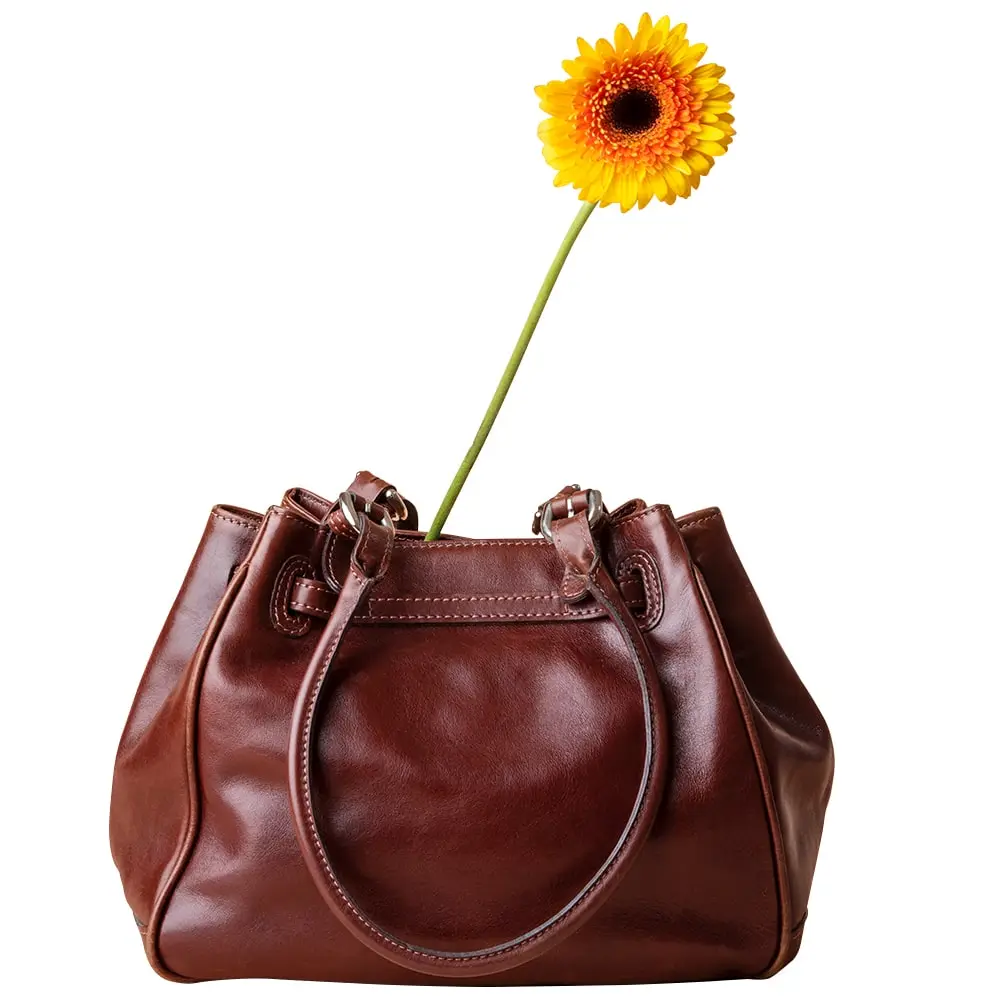
Clipping Mask of Flower in Leather Bag

A vibrant flower in a leather bag, expertly masked using a clipping mask technique to highlight intricate details.
Portfolio image BG - Tech cloud ltd.

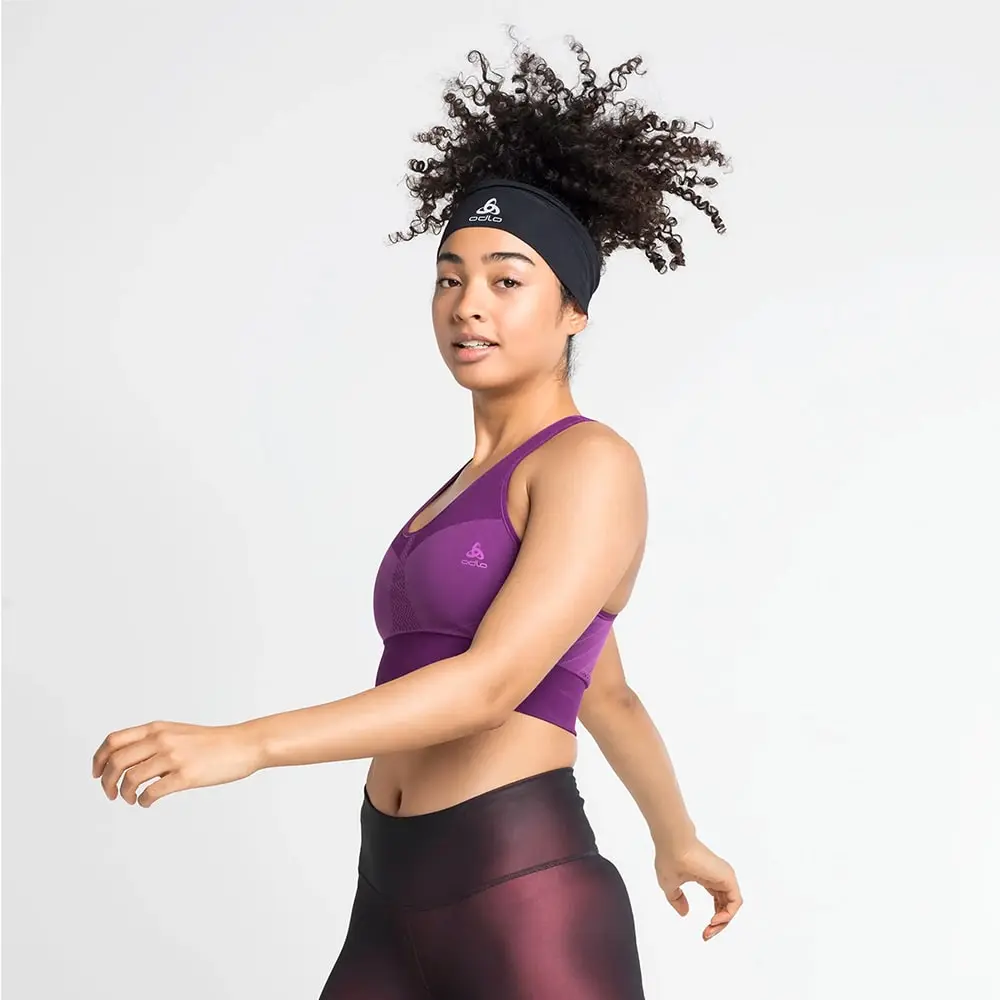
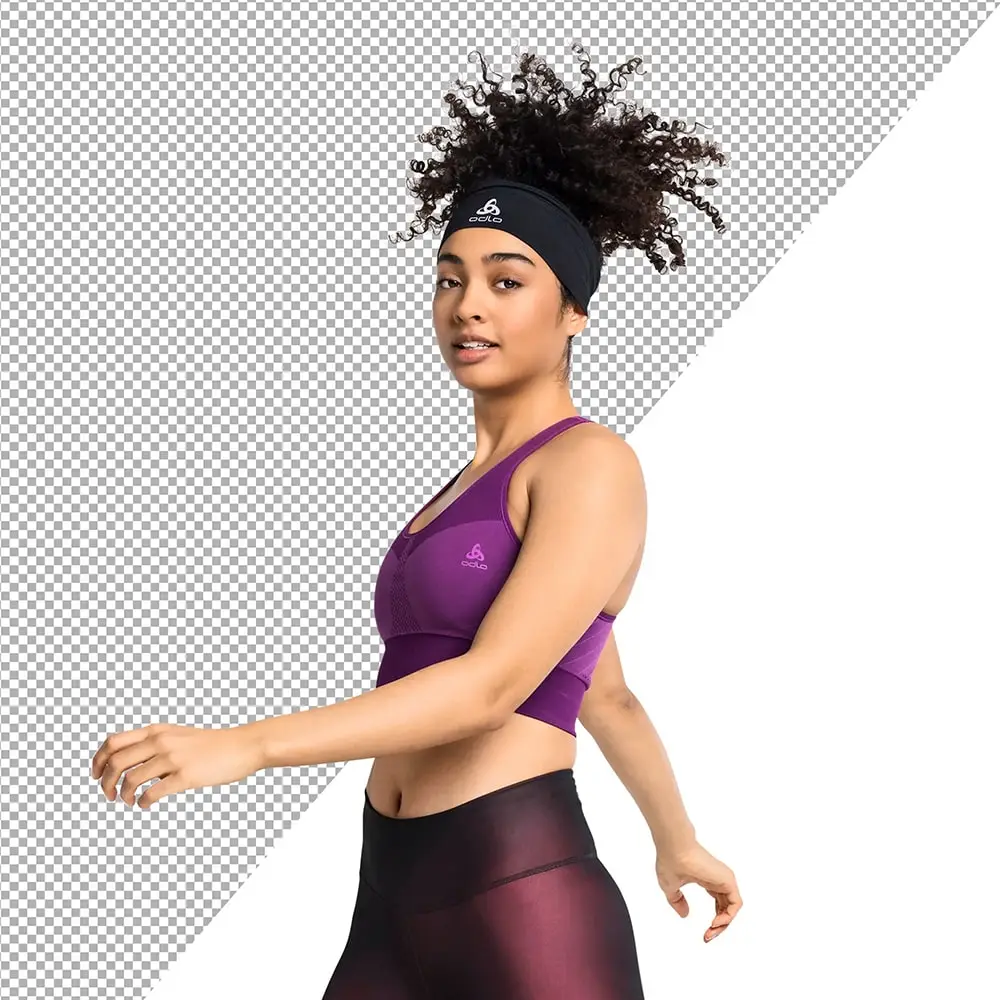
Layer Masking of Curly Hair Girl in Gym Suit

A girl with curly hair wearing a gym suit, featuring precise layer masking to keep her hair and body separately masked.
Portfolio image BG - Tech cloud ltd.

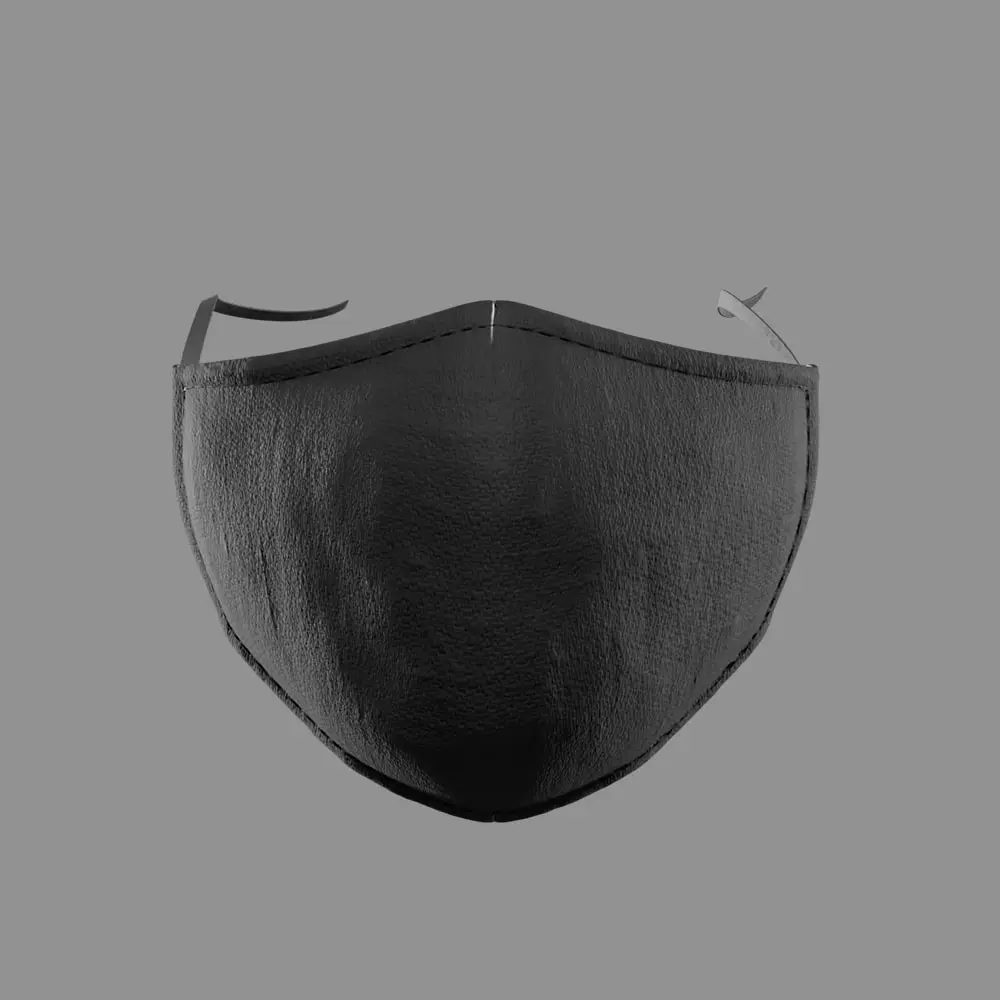
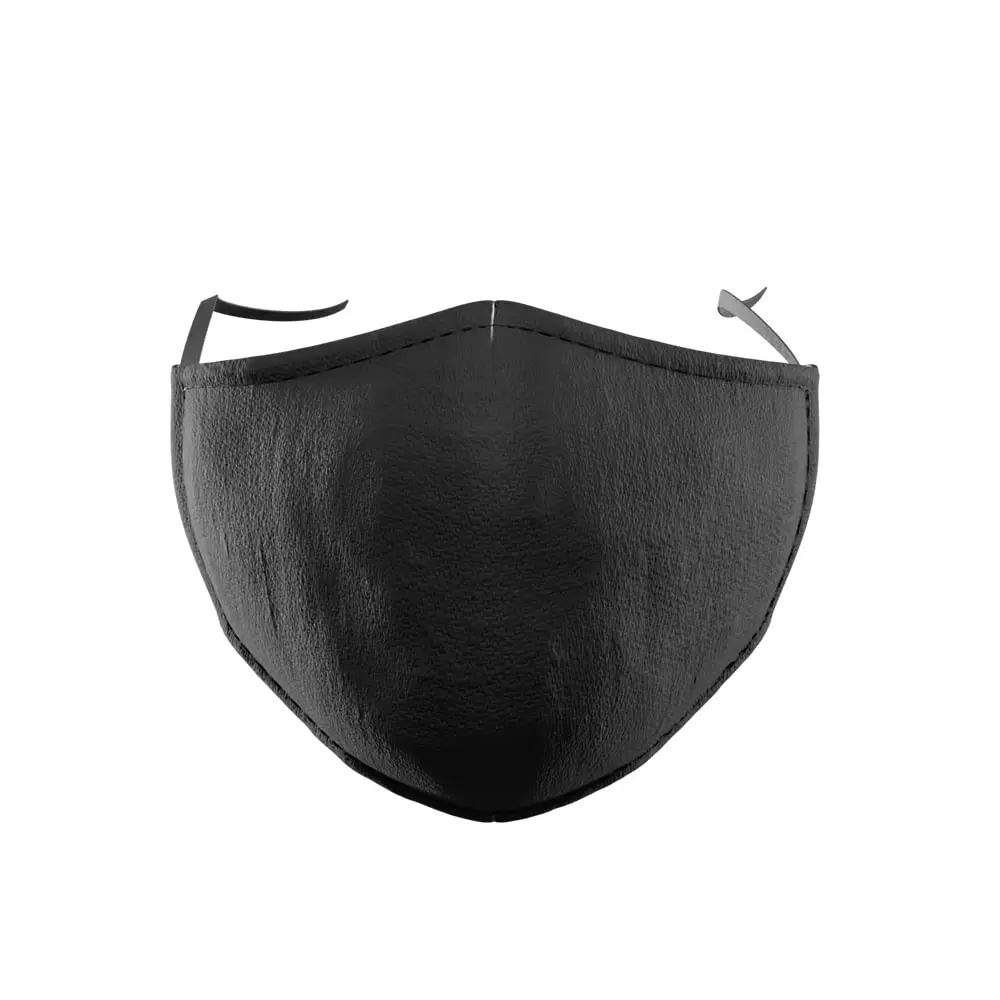
Refine Edge Masking of a Face Mask

Illustrating the process of achieving clean and precise edges in complex images using the refine edge masking technique.
Convinced? Try it for FREE!

Upload Images to Get Started...

    Step 1/3

    Upload an image

    Select an image and we will edit that within 24 hrs as your reqirements.

    Step 2/3

    Personal Information

    Please fill up your personal information.

    Step 3/3

    Instructions

    Explain your instructions.

    Get to know

    Why Choose Us

    Professional Touch

    Professionally edited by hand

    Our team has fully qualified professional image editors to do all sorts of retouching. We thoroughly train each of them to provide wholly controlled and cleanest edges quality photo retouching services to our clients.

    Market Experience

    Pixel perfect results

    Our designers can handle even the most complex cutouts - no straight polygonal lasso lines anywhere they shouldn't be. It is always our priority to meet your expectations of perfect photos, no matter how challenging they may be.

    Best Pricing

    Quick turnaround

    More than 250 experts enable us to deliver more than 8000 images daily. Even if you have thousands of images to sort through, you can get them in as little as 5 hours.

    Faster Delivery

    24/7 support

    You can always count on our customer support team to be there when you need it. From more than ten years of market experience handling thousands of clients, no clients were waiting for any inquiries. And that is how we make ourselves confident while competing with others in customer service.
    The team provided a milestone plan at the start of the project. I'm delighted to say that they followed the plan perfectly. They were always responsive and helpful. Very good experience. Highly recommend!

    Carles Bou - Digital Marketing Manager - RBA Revistas

    Carles Bou

    Digital Marketing Manager
    RBA Revistas

    When I started out, I made the mistake of showcasing my products with raw images. Tech Cloud not only edited my eCommerce product images flawlessly, but the turnaround time was also impressive.
    ANA OCA - Global Head of Marketing at Adolfo Dominguez

    ANA OCA

    Global Head of Marketing
    Adolfo Dominguez

    Tech Cloud Ltd. became my hero! They tackled a whopping 10,000+ image eCommerce editing project with impressive speed and meticulous attention to detail. Clean cutouts, great prices, and a lifesaver for high-volume editing needs.
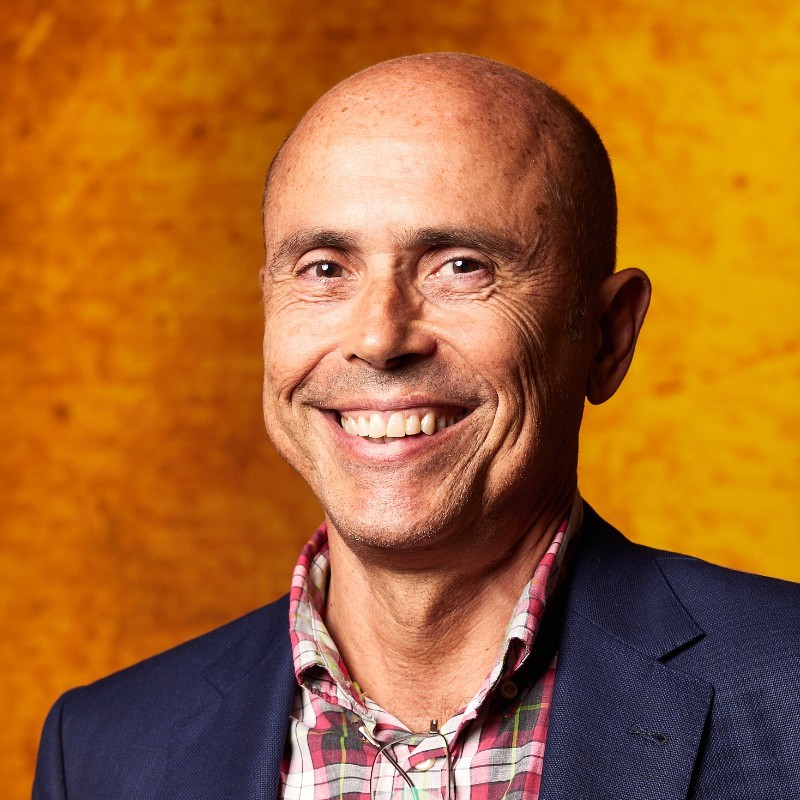
    Tomeu Ozonas - Business Development Director Spain

    Tomeu Ozona

    Business Development Director Spain
    Pixelz Inc

    3 Easy steps

    How it Works

    Image Requirements Icon - Tech Cloud Ltd

    Step – 1

    Share your image & requirements

    You just need to send us your images and share your requirements. You can email us the images or provide a link to the photos you want to be retouched. You can also use the contact form below to share any concerns you may have.

    Image Icon - Tech Cloud Ltd

    Step – 2

    Get feedback from us

    A dedicated team is available to answer your questions. Upon receiving your questions and pictures, we will respond with details about the costs, estimated completion time, etc.

    Approve & Pay Icon - Tech Cloud Ltd

    Step – 3

    Approve & Pay

    We will retouch your images within the timeframe proposed after you confirm and pay.

    Have questions?

    We have answers...

    What does masking an image do?

    Masking an image hides or reveals specific parts of the image, enabling selective editing and adjustments without affecting the rest of the image.

    What is the masking service in Photoshop?

    In Photoshop, the masking service is a feature that allows users to create and apply masks to images, giving them control over the visibility and editing of specific areas within the image.

    Why is masking necessary in image processing?

    Masking is necessary in image processing for isolating and manipulating specific image elements, preserving image quality, and achieving professional-looking results in complex editing tasks.

    What are the key differences between masking and clipping paths?

    Masking is adjustable, works with soft edges, and allows for partial transparency while clipping paths are vector-based, precise, and limited to hard edges with binary transparency.

    Do I need a clipping path or masking?

    The choice between clipping paths and masking depends on the specific image editing requirements. If you need to work with hard edges and sharp boundaries, use clipping paths. For soft edges, adjustments, and more complex editing tasks, use masking.

    What types of images benefit most from masking?

    Images with complex edges, such as hair, fur, or transparent objects, benefit the most from masking techniques.

    Can masking be used for color correction?

    Yes, masking can isolate specific areas of an image for targeted color correction without affecting the rest of the image.

    How does masking help in background removal?

    Masking is particularly effective for removing backgrounds from images with intricate details, ensuring that fine elements like hair or fur are preserved.

    What tools in Photoshop are commonly used for masking?

    Common tools include the Brush Tool, Quick Selection Tool, and Pen Tool, along with features like Layer Masks and Clipping Masks.

    What is the difference between layer masking and vector masking?

    Layer masking uses grayscale masks to control the visibility of different parts of an image, while vector masking uses paths to define visible and hidden areas, providing more precision for sharp edges.

    You've got a vision?

    We have a way to get you there...

    Have you ever wondered what you can do to take your business to the next level? Your business goals are our priority, so no matter what you want to accomplish, we can help you. Please contact us right away!